

Best Game Development Classes for Children

Some kids do not just want to play games. They want to ask bigger questions: How did that character move? Why does that level get harder? Can I make my own world? That curiosity is exactly why parents start looking for the best game development classes children can actually enjoy and stick with.
A good class does more than keep a child busy after school. It turns screen time into creative time. Instead of consuming games, kids begin building them. They learn how rules work, how design choices affect players, and how to solve problems when something does not behave the way they expected.
That sounds exciting, but the phrase "game development" can cover a lot. Some classes focus on drag-and-drop tools for younger learners. Others introduce coding languages, level design, animation, or logic systems for older students. The best fit depends less on what sounds advanced and more on what matches your child’s age, confidence, and attention span.
What makes the best game development classes children will benefit from?
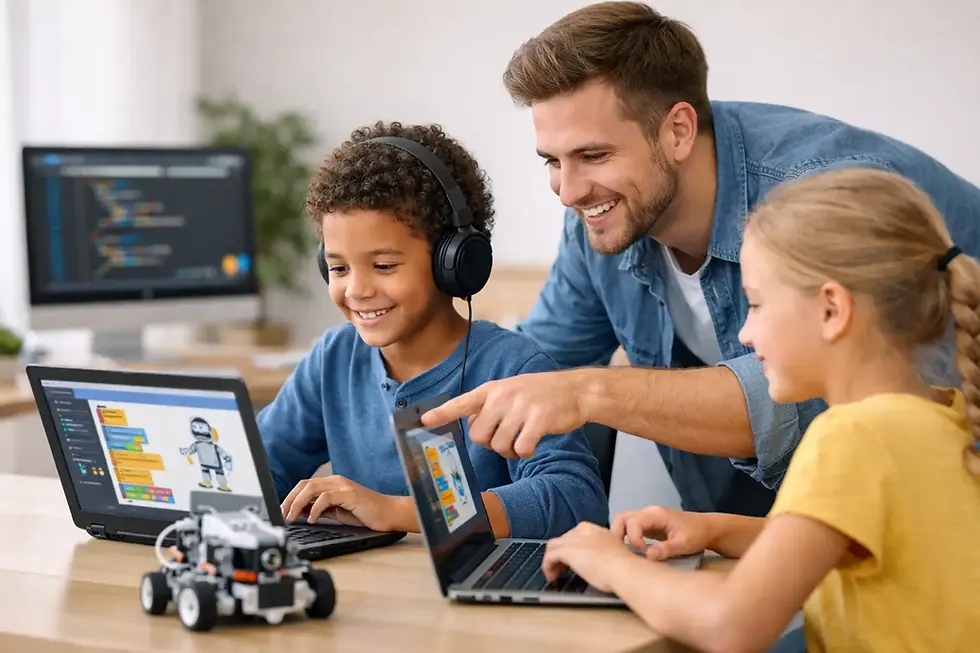
The strongest programs usually have one thing in common: kids make real projects. That matters because children learn faster when they can test ideas immediately. If they build a character jump mechanic, they can see right away whether it feels fun, too fast, or too slow. That instant feedback keeps lessons active instead of abstract.
Good classes also break big concepts into small wins. A child should not need to understand every part of coding before creating something playable. The best instructors know how to guide beginners from simple actions like movement and scoring into deeper ideas like game loops, conditions, variables, and user interaction.
Just as important, the class should feel structured without feeling rigid. Children thrive when there is a clear path, but they also stay engaged when they have room to personalize their game. One child may want to build a racing game. Another may want a platformer with monsters, treasure, and silly sound effects. A strong course gives both kids the same learning foundation while letting creativity lead the final result.
Age matters more than flashy tools
Parents often assume the best class is the one using the most advanced software. In practice, that is not always true. For younger children, simple platforms can be far more effective because they remove friction. A student who is still learning sequencing and logic does not need a complicated engine with dozens of menus.
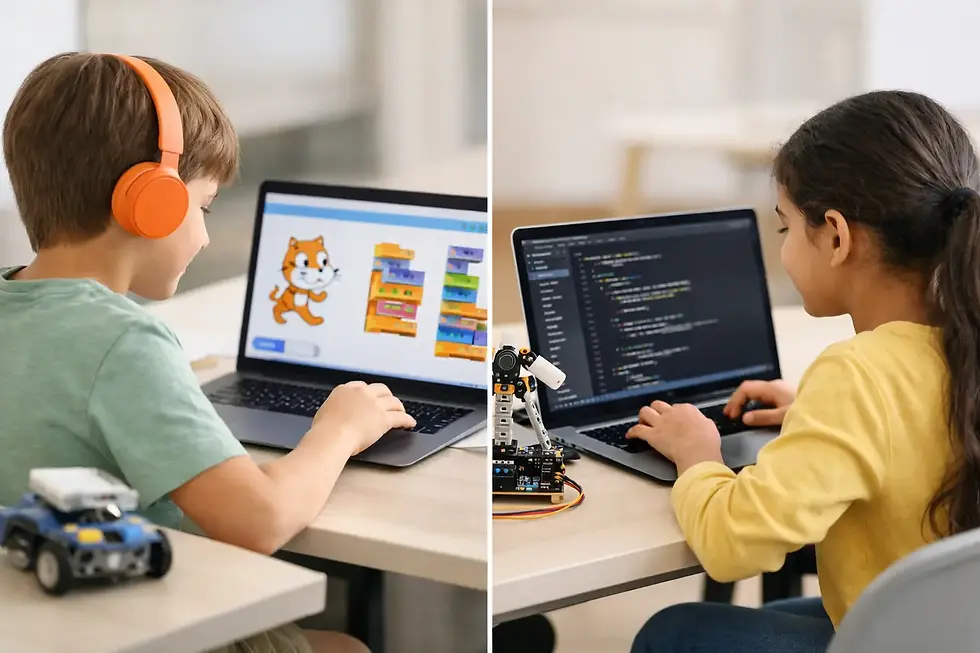
For ages 5 to 7, game development works best when it feels playful and visual. Classes at this stage should use colorful interfaces, short activity cycles, and lots of guided building. The goal is not professional game design. The goal is confidence, logic, and the joy of making something move on screen.
For ages 8 to 12, children are usually ready for more independence. This is often the ideal stage for project-based game classes because kids can understand rules, goals, and problem solving in a more organized way. They can start connecting creative ideas with technical steps, which is where real skill growth begins.
For teens, stronger coding elements become more valuable. Older students often enjoy building systems, customizing gameplay, and debugging with more patience. They may be ready for text-based coding, deeper design thinking, and longer-term projects that feel closer to real development.
How to tell if a class teaches creation, not just clicks
Not every kids’ tech class labeled as game development actually teaches meaningful development. Some programs are fun but shallow. That is not automatically bad, especially for very young beginners, but parents should know the difference.
If a class mostly has students follow exact steps to copy a teacher’s screen, learning may be limited. Kids can finish with a project, but without understanding why it works. A better class includes guided instruction and room for decision-making. Students should be asked to change elements, fix errors, and make simple design choices of their own.
You can also look at the kinds of questions a program helps children answer. Are they learning what a variable does? Do they understand how collision works? Can they explain why a game needs rules and feedback? If yes, that points to deeper learning. If the outcome is only "they made a game," the experience may be more surface-level than it first appears.
The best game development classes for children build more than coding
One reason parents are drawn to game development is that it does not feel like traditional study time. Kids are excited by it. They want to build characters, worlds, and challenges. That excitement creates a powerful opening for learning broader skills.
Game development strengthens logic because children have to think in steps. It builds resilience because games rarely work perfectly on the first try. It improves creative thinking because kids must imagine how a player will interact with what they made. It can even support communication, especially in group settings where students explain ideas, share designs, or troubleshoot together.
That is why a class should not be judged only by whether it teaches coding syntax. For many children, especially beginners, confidence is the first win. When a child says, "I made this," that moment matters. It changes how they see technology and their place in it.
Online or in-person? It depends on your child
Both formats can work well, but each has trade-offs. Online classes are convenient and often easier to fit into a busy family schedule. They can also be a great choice for children who are comfortable using a computer and focusing from home.
In-person classes can be better for younger learners or children who benefit from direct support and fewer home distractions. Being in a classroom can help with focus, collaboration, and hands-on guidance when something goes wrong.
The better question is not which format is universally best. It is which format helps your child stay engaged long enough to build momentum. A brilliant curriculum will still fall flat if a student struggles with the learning environment.
What parents should look for before enrolling
A strong program should be beginner-friendly without talking down to students. It should explain concepts clearly, but still challenge kids to think. If every activity is too easy, children lose interest. If everything feels too difficult, they lose confidence.
Project-based learning is another good sign. Children should be creating games, testing ideas, and improving them over time. Trial classes can be especially useful because they let families see whether the teaching style, pacing, and content are a good match before making a bigger commitment.
It also helps to check whether the curriculum grows with the student. The best classes do not end with one finished project and nowhere to go next. They offer a pathway from beginner exploration to more advanced design and coding. That progression is where long-term value really shows.
In Malaysia, where more parents are actively seeking future-ready enrichment programs, structured children’s tech classes are becoming an increasingly practical choice rather than a niche one. Programs like MiniMindsDevs stand out when they combine interactive teaching with real project work, because kids stay motivated when they can build, test, and proudly share what they created.
Red flags that are easy to miss
A flashy website or impressive course title does not always mean a class is right for your child. If a program promises advanced results too quickly, be cautious. Strong learning takes time, especially for beginners.
Another red flag is a lack of visible student outcomes. Parents should be able to understand what children will make, what skills they will practice, and how the course builds from one lesson to the next. Vague promises about innovation or future success sound nice, but they do not replace a clear teaching plan.
You should also be careful with programs that treat all ages the same. A 6-year-old and a 14-year-old need very different instruction, pacing, and project design. Age-appropriate teaching is not a bonus. It is essential.
Why game development keeps kids engaged longer than many other tech classes
Game development has a special advantage: children immediately understand the purpose of what they are making. A scoreboard matters because it affects play. A timer matters because it creates challenge. A character animation matters because it brings a game to life.
That sense of purpose keeps motivation high. Kids are not learning logic in isolation. They are learning it because they want their game to work better. This is one of the most effective ways to make technical education feel exciting instead of intimidating.
For parents, that makes game development an excellent entry point into coding and STEM. It blends creativity with structure, fun with discipline, and curiosity with real digital skill-building. Done well, it can be the class that changes a child from someone who uses technology into someone who creates with it.
The right class will not just teach your child how to build a game. It will show them that big ideas become possible when they learn how to build, test, and keep going.

Comments